


What is an AI web crawler? Crawlers vs scrapers for AI agents
The words AI web crawler mean two different things. This guide explains both, shows the difference between a crawler and a scraper, and helps you pick the right one.
By Spicrawl teamPublished 7 min read
On this page
People search for "AI web crawler" and mean two different things. Some want to know about the bots that AI companies send across the web. Others want a tool that gets web pages for their own AI agent.
This guide explains both. It also explains the difference between a crawler and a scraper, because that one choice decides which tool you need.
The two meanings of "AI web crawler"
Meaning 1: a bot that an AI company runs. Companies such as OpenAI, Anthropic, Google and Perplexity send bots to read public web pages. They use the pages to train models, to build search results, or to answer one person's question. If you own a website, these are the bots that visit you.
Meaning 2: a tool that you run. You are building an AI agent, a chatbot or a search feature. It needs fresh web pages as input. So you use a tool that fetches pages and returns clean text. People call these tools AI web crawlers too, even when they do not crawl at all.
The rest of this guide takes each meaning in turn.
Meaning 1: the bots AI companies send
Each company publishes the names of its bots and what each one is for. A bot's name is called its user agent. It is the name the bot gives when it asks your server for a page.
| Company | Bot | What the company says it is for |
|---|---|---|
| OpenAI | GPTBot | Crawls content that may be used to train its AI models |
| OpenAI | OAI-SearchBot | Shows websites in ChatGPT's search results |
| OpenAI | ChatGPT-User | Visits a page when a person asks ChatGPT to open it |
| Anthropic | ClaudeBot | Collects web content that could be used to train its models |
| Anthropic | Claude-SearchBot | Improves the quality of search results for users |
| Anthropic | Claude-User | Visits a page when a person asks Claude a question |
| Perplexity | PerplexityBot | Shows and links websites in Perplexity's search results |
| Perplexity | Perplexity-User | Visits a page to help answer a person's question |
| Google-Extended | Not a bot, but a name you can use in robots.txt to control use for Gemini training | |
| Common Crawl | CCBot | Builds an open copy of the web that anyone can use |
So there are three jobs here:
- Training. The bot collects pages that may be used to teach a model.
- Search. The bot builds an index, so the AI product can find and link your page.
- One person's request. Someone asks the assistant a question, and it opens a page to answer.
These jobs are not the same, and you can allow one and refuse another.
If you own a website
You control these bots with your robots.txt file. This is a small text file at the top of your site that tells bots what they may read. For example, this refuses GPTBot and still allows OpenAI's search bot:
User-agent: GPTBot
Disallow: /

User-agent: OAI-SearchBot
Allow: /
OpenAI says a site that disallows GPTBot signals that its content should not be used to train its models. It also says that a site that opts out of OAI-SearchBot will not be shown in ChatGPT search answers. So think before you block everything: blocking search bots can hide your site from AI answers.
Two more things to know:
- Requests started by a person are different. OpenAI says that robots.txt rules may not apply to ChatGPT-User, because a person started the action.
- Your host may block bots for you. Cloudflare has a setting that blocks AI bots. We explain it in how Cloudflare's AI crawler blocking works.
Meaning 2: tools that fetch pages for your AI
Now the other meaning. You are building something with an AI model, and the model needs to read web pages.
A model cannot use a raw web page well. A raw page is full of menus, scripts and styling. A good tool fetches the page, removes the noise, and returns clean text, usually Markdown. Markdown is a simple text format that keeps headings, lists and links. We compare the two formats in HTML vs Markdown for LLMs.
These tools do one or both of two jobs: crawling and scraping. People often use the two words as if they mean the same thing. They do not.
Crawler vs scraper: the difference
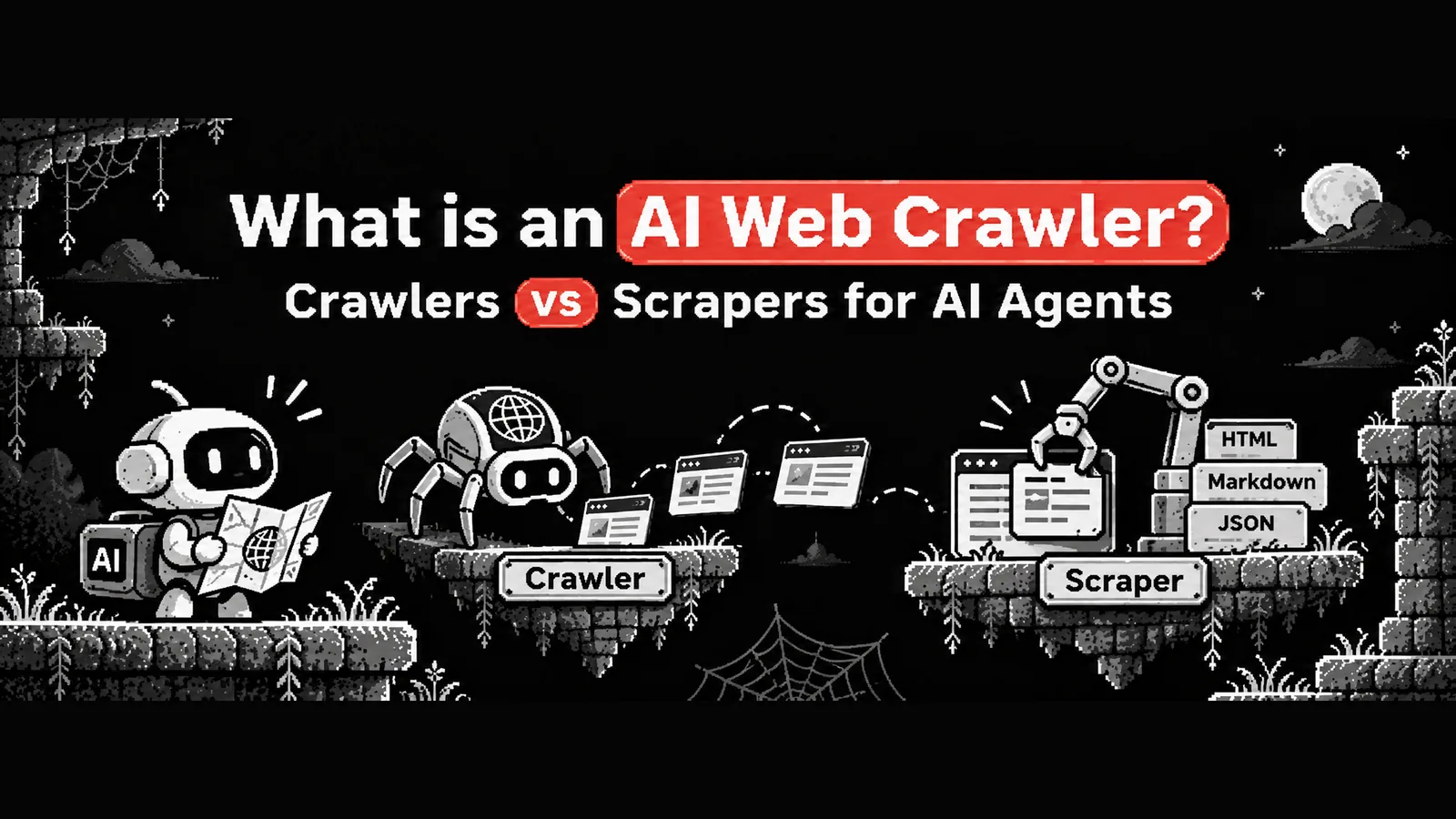
A crawler finds pages. You give it one starting address. It reads that page, collects the links, opens those pages, and repeats. At the end you have many pages you did not name yourself.
A scraper reads pages. You give it an address. It fetches that one page and returns what is on it. It does not go anywhere else.
| Crawler | Scraper | |
|---|---|---|
| You give it | One starting address | The exact addresses you want |
| It does | Follows links to find more pages | Reads each page you named |
| You get back | Many pages, some you did not expect | One result for each address |
| Cost | Hard to know before you start | Easy to count: one request for each page |
| Best for | "Get everything on this site" | "Get these pages" |
Many jobs need both steps. First find the pages. Then read them. Some tools do both. Some do one.
Which one do you need?
Ask one question: do you already know the URLs?
You need only a scraper when you have the addresses. For example:
- Your agent got links from a search and needs to read them.
- You have a list of product pages to check every day.
- The site has a sitemap. A sitemap is a file that lists a site's pages. You can read it and send those addresses to a scraper.
- A user pastes a link into your app.
You need a crawler when you must find the pages first. For example:
- "Read all the documentation on this site," and the site has no sitemap.
- You want every page under one section, and you do not know how many there are.
- You are mapping a site you have never seen.
A scraper is easier to control. You know how many pages you will fetch, so you know the cost. A crawler can surprise you: one site may have 50 pages, and the next may have 50,000. If you use a crawler, set a page limit and a depth limit. Depth means how many links away from the start it may go.
Tools for each job
Here are common tools for each job. What each tool does is taken from its own documentation, listed in the sources below.
Tools that crawl
- Firecrawl. Its crawl feature starts from one URL and, in its own words, "recursively discovers and scrapes every reachable subpage". It uses sitemaps and link following, with depth limits and path filters.
- Crawl4AI. An open-source Python library. Its deep crawling has three strategies: breadth-first, depth-first and best-first. You run it yourself, or use its cloud service.
- Apify Website Content Crawler. A ready-made crawler on the Apify platform. Apify says it "can perform a deep crawl of one or more websites" and is useful for feeding documentation, knowledge bases and blogs to large language models.
Tools that scrape
- Spicrawl. A web scraping API. You send a URL and get the page back as Markdown, JSON, HTML, text or PDF.
- Firecrawl and Crawl4AI can also read single pages. A crawler has to read pages too, so most crawling tools include a scraper.
For a longer and fair comparison of ten tools, read the best web scraping tools for AI agents.
Where Spicrawl fits
Spicrawl is the scraper half. It does not crawl. It does not follow links, and it does not find pages for you. You send the URLs.
What it does:
- Reads one page. Send a URL and get clean Markdown, JSON, HTML, text or PDF.
- Reads many pages at once. Send up to 10,000 URLs in one batch call.
- Handles pages that need JavaScript. Some pages only show their content after scripts run. Spicrawl can load them in a browser first.
- Works inside your agent. It has a hosted MCP server. MCP is a standard way to give an AI agent tools. Claude Code, Cursor, Codex and other agents can call Spicrawl directly.
Reading one page looks like this:
curl https://api.spicrawl.com/v1/scrape \
  -H "Authorization: Bearer $SPICRAWL_API_KEY" \
  -H "Content-Type: application/json" \
  -d '{"url": "https://example.com", "response_format": "markdown"}'
The cost is easy to count. A plain request is 1 credit, and a request that fails costs 0. Spicrawl is free to try while it is in beta.
If you need to find the pages first, Spicrawl is not the whole answer. Get the list of addresses another way, for example from the site's sitemap, from a search, or from a crawler tool. Then send that list to Spicrawl as a batch.
If you need a full crawl of a site you do not know, use a crawler such as the ones above. That is the right tool for that job.
Be a good visitor
Whichever tool you use, the pages belong to someone else. A few simple rules:
- Read robots.txt and follow it. It tells you what the owner allows.
- Go slowly. Do not send many requests at once to a small site.
- Do not fetch the same page again and again. Keep a copy and reuse it.
- Stop when the site says no. A block page or a 403 answer is a message. We explain it in web scraping 403 Forbidden: causes and fixes.
- Use an official API when the site offers one. It is more stable, and it is what the owner wants.
In one line
A crawler finds pages. A scraper reads them. "AI web crawler" can mean a bot that visits your site, or a tool that feeds your agent. Know which one you mean, and the right tool is easy to pick.
Frequently asked questions
What is an AI web crawler?
The words have two meanings. The first is a bot that an AI company sends to read the public web, such as GPTBot from OpenAI or ClaudeBot from Anthropic. The second is a tool that you use to fetch web pages for your own AI agent or app.
What is the difference between a web crawler and a web scraper?
A crawler finds pages. It starts from one address and follows links to discover more. A scraper reads pages. You give it an address and it returns what is on that page. Many jobs need both, first a crawler to find the pages and then a scraper to read them.
Is Spicrawl an AI web crawler?
No. Spicrawl is a web scraping API. It does not follow links or find pages for you. You send the URLs, one at a time or up to 10,000 in a batch, and it returns each page as Markdown, JSON, HTML, text or PDF.
Do I need a crawler or a scraper for my AI agent?
If you already have the URLs, for example from a sitemap, a search result or your own list, a scraper is enough. If you only know the website and need to find every page on it, you need a crawler first.
How do I block AI crawlers from my website?
Each AI company publishes the names of its bots, and you can refuse them in your robots.txt file. For example, OpenAI says a site that disallows GPTBot signals that its content should not be used to train its models. Cloudflare also has settings that block AI bots for you.
Is GPTBot the same as ChatGPT reading my page?
No. OpenAI lists three bots. GPTBot collects content that may be used to train its models. OAI-SearchBot is for search results in ChatGPT. ChatGPT-User visits a page when a person asks ChatGPT to open it.
Sources
Product details were checked against each company’s own website and docs. Products change: if something here is out of date, email support@spicrawl.com.
- OpenAI: overview of OpenAI crawlers
- Anthropic: does Anthropic crawl data from the web, and how can site owners block the crawler?
- Perplexity docs: Perplexity crawlers
- Google: common crawlers (Google-Extended)
- Common Crawl: CCBot
- Cloudflare docs: block AI bots
- Firecrawl docs: crawl
- Crawl4AI docs: deep crawling
- Apify: Website Content Crawler
- Spicrawl docs: batch jobs
- Spicrawl docs: credits