Cloudflare AI crawler blocking in 2026: what changed and what it means for your agent
Cloudflare split AI traffic into three types and changed its defaults for new sites. Here is what that means if your agent reads web pages.
By Spicrawl teamPublished 4 min read
On this page
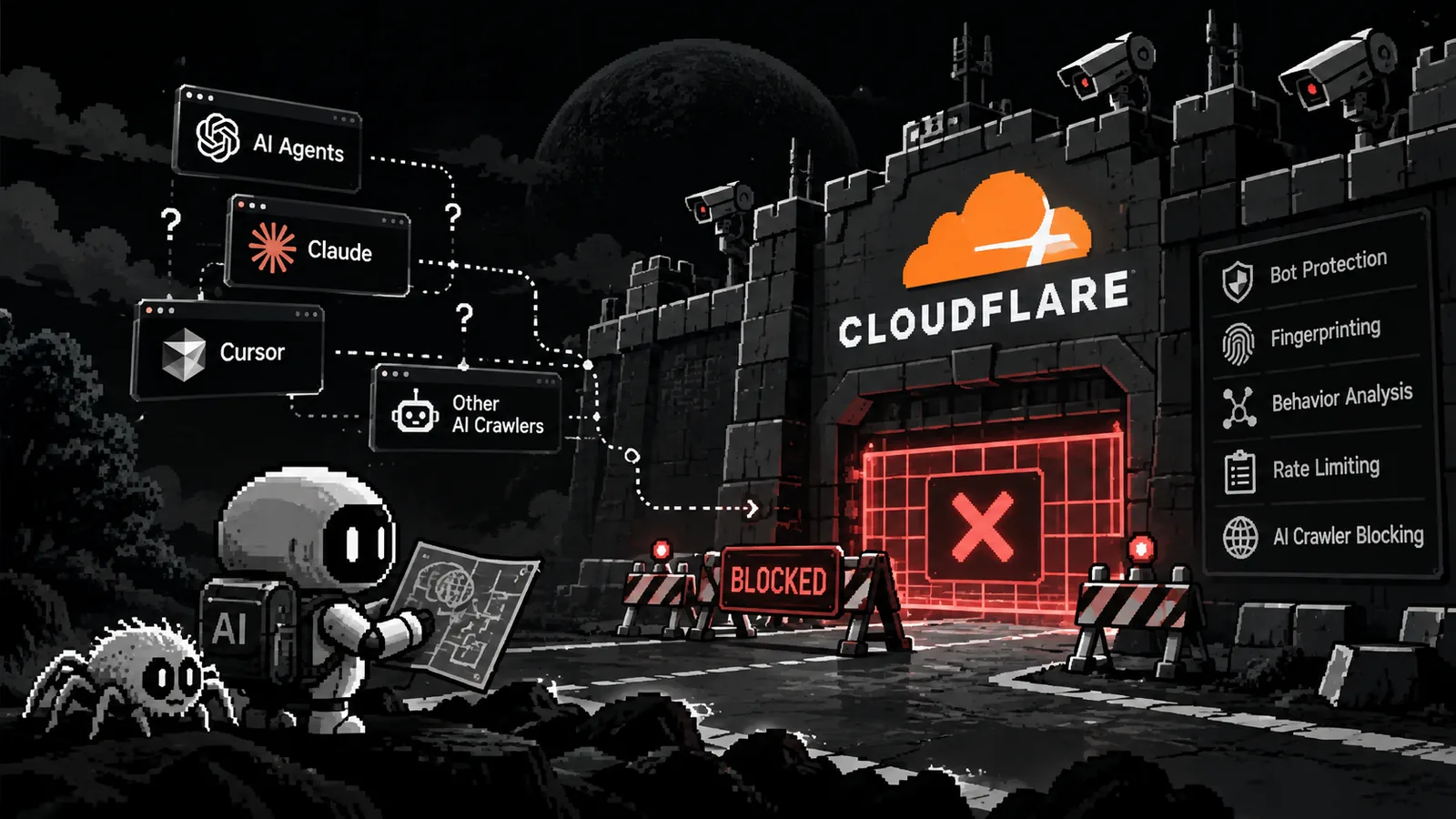
Cloudflare sits in front of a large share of the web, so its bot settings matter to anyone whose software reads web pages. In July 2026 it split AI traffic into three types that site owners can allow or block separately, and on 15 September 2026 it changed the defaults for new sites.
This guide explains the changes using Cloudflare's own announcements and documentation, checked on 5 October 2026. Then it covers what they mean for an agent or pipeline that fetches pages, and how to do that responsibly. It is not a guide to getting around a block, and it does not contain one.
What Cloudflare changed
- 1 July 2025. Cloudflare introduced pay per crawl, in private beta, so publishers could charge AI crawlers for access.
- 1 July 2026. Cloudflare added three settings, Search, Agent and Training. For each, a site owner can allow the traffic, block it everywhere, or block it only on pages that display ads. Existing customers kept their settings.
- 15 September 2026. New domains onboarding to Cloudflare now get Training and Agent bots blocked on pages that display ads, while Search stays allowed. Cloudflare's reasoning: "An ad is a signal that a website owner meant for a person to land there and see it."
- 30 September 2026. Cloudflare described Pay Per Use, in beta. It evolves pay per crawl: publishers are paid when AI products use their content, not when it is fetched.
Site owners change the three settings in the dashboard under Security settings, Configure AI bot policies. Any owner can opt out of the new defaults.
Mixed-use crawlers
Some crawlers do several jobs. Cloudflare's docs say the Training setting covers "mixed-purpose crawlers". Cloudflare calls Applebot, Bingbot and Googlebot accountable mixed-use crawlers, and added a Disallow AI Training setting that publishes a no-training preference while letting those crawlers keep indexing for search. So the setting an owner picks decides whether search crawlers are affected.
Which traffic is affected
| Type | Cloudflare's definition | New-domain default from 15 September 2026 |
|---|---|---|
| Search | Crawlers that collect or index your content "so it can answer questions about it later" | Allowed |
| Agent | "Automated behavior that is acting, usually in real time, on a person's behalf, to get something done right now" | Blocked on pages that display ads |
| Training | A crawler "taking your content to train or fine-tune a model" | Blocked on pages that display ads |
For scale, Cloudflare's own report of 1 July 2026 says more than half of internet traffic is now non-human, and that 52% of crawler requests were for AI training as of June 2026, up from 22% in spring 2025.
What it means if your agent reads web pages
Agent is the category to watch. It describes software acting for a person in real time, and Cloudflare's docs give chat fetch bots as an example. That is close to what an AI agent does when it reads a page because a user asked.
- The defaults reach new sites first. Existing sites keep what they had. Expect the share of sites that block automated agents to grow over time, not change overnight.
- Ads matter. The new defaults block on pages that display ads. Documentation, APIs and many tools are unaffected unless an owner chooses to block everywhere.
- A block is not always a decision. A 403 or a challenge page can be a glitch, a rate limit or a deliberate policy, and we cannot tell you how Cloudflare classifies any particular tool's traffic.
In Spicrawl, a bot wall comes back as the error ERR::UPSTREAM::CHALLENGE, or as the site's own status (for example 403) in the X-Target-Status header. A challenge is never billed, so it costs 0 credits. See the anti-bot guide.
How to scrape responsibly now
- Check what the site says. Read its robots.txt and terms. Cloudflare's criteria for accountable crawlers include a way for owners to opt out of AI training through robots.txt, so it is one of the places owners state their preference.
- Prefer an official source. If the site has an API, a feed or a sitemap, use it. If the content is valuable, ask the owner for access.
- Treat a deliberate block as a no. Once it is clear that a site has chosen to block AI traffic, stop. Do not try to work around it. Ask for permission instead.
- Fetch only what you need. Request Markdown, use
include_tagsto keep one container, and setmax_cost. Fewer, smaller requests are easier on the site and cheaper for you. - Do not fetch the same page twice. Spicrawl's cache is on by default and keeps results for up to 48 hours. Turn it off only for data that changes quickly.
- Slow down. Space out requests to one site, and back off when it answers with errors.
- Check the real result. Spicrawl's HTTP status is not the site's. Read
X-Target-Statusbefore trusting a page. - Handle other people's content with care. Page content is third-party material. You are responsible for having the right to use what you fetch; see our terms. Treat the text as untrusted before giving it to an AI model.
Spicrawl fetches the URLs you send. It does not crawl a site or discover pages by following links. If a plain 403 is what you are seeing, see web scraping 403 Forbidden: causes and fixes.
What site owners can do
If you run a site on Cloudflare, you decide:
- Search, Agent and Training can each be allowed, blocked, or blocked only on pages that display ads.
- Disallow AI Training publishes a no-training preference in robots.txt while accountable mixed-use crawlers keep indexing for search.
- Pay Per Use is in beta, for publishers who want payment when AI products use their content.
Questions from site owners about Spicrawl can go to support@spicrawl.com.
Frequently asked questions
Is Cloudflare blocking all AI crawlers?
No. Since 1 July 2026 site owners can set Search, Agent and Training traffic to allow, block, or block only on pages that display ads. From 15 September 2026, new domains onboarding to Cloudflare get Training and Agent blocked on pages that display ads, and Search allowed. Existing customers keep their current settings, and any owner can change them.
What is the difference between Search, Agent and Training traffic?
Cloudflare defines Search as crawlers that collect or index content so they can answer questions about it later, Agent as automated activity acting in real time on a person's behalf, and Training as crawlers that take content to train or fine-tune a model.
Will the new settings block Googlebot or Bingbot?
Cloudflare says its Training setting covers mixed-purpose crawlers, and it names Applebot, Bingbot and Googlebot as accountable mixed-use crawlers. Its new Disallow AI Training setting publishes a no-training preference while letting those accountable crawlers keep indexing for search. Which setting an owner picks decides what happens.
What are pay per crawl and pay per use?
Pay per crawl, announced by Cloudflare on 1 July 2025 in private beta, let publishers charge AI crawlers for access. On 30 September 2026 Cloudflare described Pay Per Use, in beta, which pays publishers when AI products actually use their content instead of when it is fetched.
Can I still scrape pages on sites that use Cloudflare?
Often, yes. Many sites do not block automated requests, and the new defaults apply only to new domains and, by default, only on pages that display ads. Whether a site accepts your traffic is its owner's decision, so check its robots.txt and terms, prefer an official API or feed where one exists, and ask when you are unsure.
What does a Cloudflare block look like in Spicrawl?
Spicrawl reports a bot wall as the error ERR::UPSTREAM::CHALLENGE, or the site's own status such as 403 in the X-Target-Status header. A challenge is never billed, so it costs 0 credits.
Sources
Product details were checked against each company’s own website and docs. Products change: if something here is out of date, email support@spicrawl.com.
- Cloudflare blog: Your site, your rules: new AI traffic options for all customers (1 July 2026)
- Cloudflare changelog: New options to manage AI traffic (1 July 2026)
- Cloudflare docs: Block AI bots
- Cloudflare blog: Have it both ways: stay discoverable in search while disallowing AI training
- Cloudflare blog: Content Independence Day, one year on (1 July 2026)
- Cloudflare blog: Pay Per Use: when AI uses your work, you should get paid (30 September 2026)
- Cloudflare blog: Introducing pay per crawl (1 July 2025)
- Spicrawl docs: anti-bot challenges
- Spicrawl docs: best practices for agents