HTML vs Markdown for LLMs: which uses fewer tokens?
Six live pages measured with one tokenizer, with the content losses alongside the token savings.
By Spicrawl teamPublished 5 min read
On this page
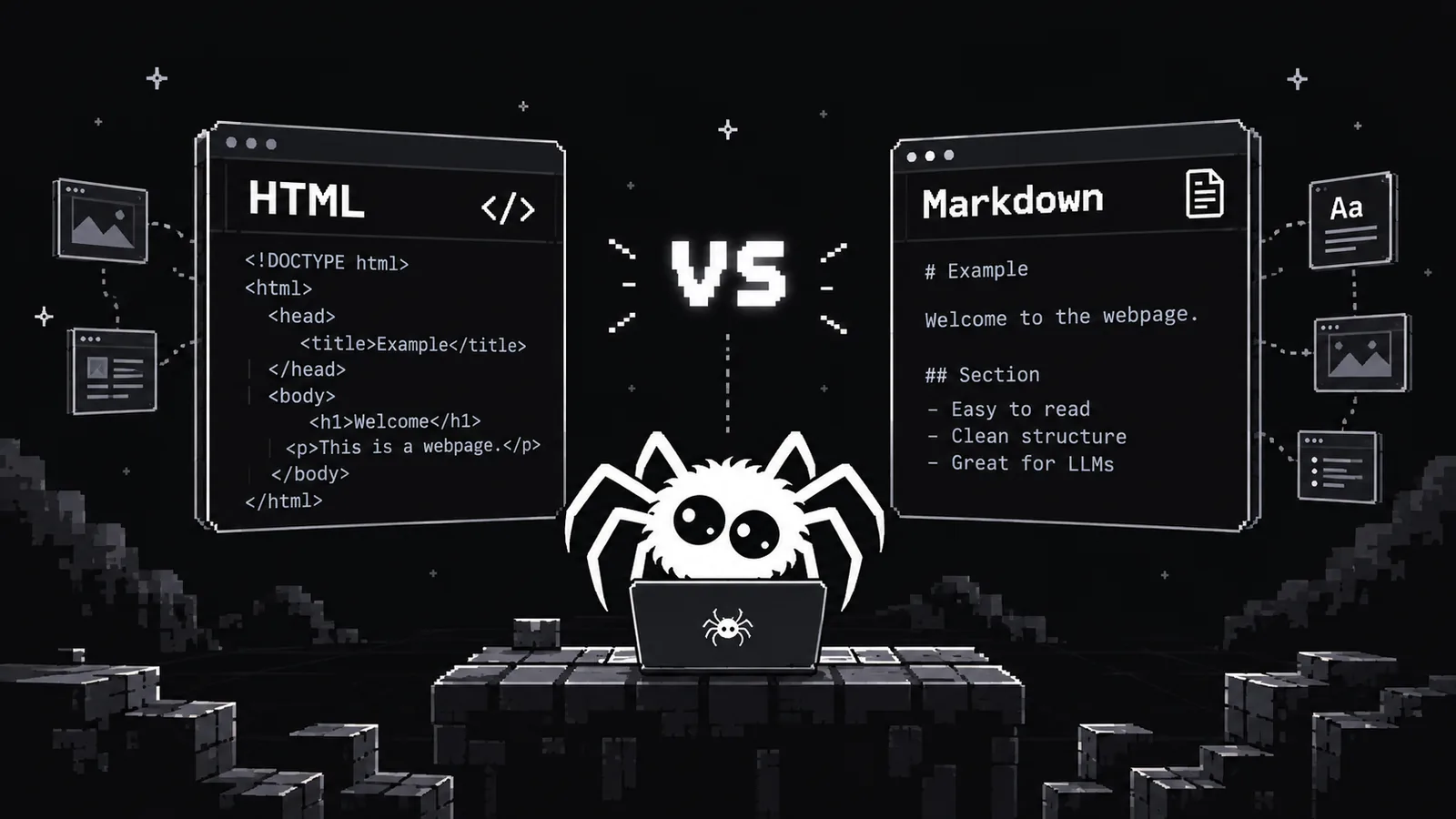
Does a model need the whole HTML page, or will Markdown carry the useful content in fewer tokens? We measured both outputs for six public pages. Markdown was smaller every time, but the size difference is only useful if the conversion keeps the information your task needs.
The numbers below are from live Spicrawl responses, not a character-count estimate. We inspected each Markdown body as well as counting it, and report the visible losses alongside the savings.
Why the format matters to a model
A model's context window and API bill are measured in tokens. If you send a page with menus, scripts and repeated layout text, those tokens take space that could hold the article or a second source. Fewer tokens can also make retrieval chunks easier to fit into a prompt.
Format affects meaning too. ## makes a heading clear; a link can retain both its label and destination. Plain text may be shorter, but it gives a pipeline fewer boundaries for splitting and citing. The best format is the smallest one that still carries the fields your task needs.
What is actually in a web page's HTML
HTML can contain the article, but also <script> and <style> blocks, attributes, menus, tracking tags, related links and footer text. A full HTML response counts all of it. A Markdown converter can remove markup and, depending on the page, isolate the main content.
For a small real example from the MDN page we measured, its main heading is represented as:
<h1>Array.prototype.map()</h1>The Spicrawl Markdown body contains:
# Array.prototype.map()The heading survived. The conversion did not produce an article-only document: MDN navigation and a page-title line still appeared before that heading. This matters when you count the whole output or feed it straight to a model.
We measured six real pages
How we measured:
- Date: 1 October 2026.
- Requests: two
POST /v1/scraperequests per URL, one withresponse_format: "html"and one withresponse_format: "markdown". Both usedcache: falsefor a fresh fetch. Rendering, tag filters andmain_content_onlystayed at their defaults. - Target status: all 12 responses had
X-Target-Status: 200. - Tokenizer: OpenAI's tiktoken 0.14.0 with
o200k_base, counting each complete decoded response body:len(encoding.encode(body)). - Reduction:
100 × (1 − Markdown tokens / HTML tokens), rounded to one decimal place.
| Public page | HTML tokens | Markdown tokens | Reduction |
|---|---|---|---|
| Wikipedia: Web scraping | 71,572 | 16,904 | 76.4% |
| MDN: Array.prototype.map() | 48,158 | 9,097 | 81.1% |
| Python.org: documentation index | 9,927 | 3,512 | 64.6% |
| GitHub: Awesome React README page | 131,839 | 7,570 | 94.3% |
| Spicrawl docs: CLI scripting | 84,818 | 2,443 | 97.1% |
| W3C: WCAG 2.2 | 142,240 | 67,332 | 52.7% |
What survived the conversion:
- Wikipedia: its article heading, sections and links, but also site navigation and maintenance-box text.
- MDN: its heading, links and fenced code examples; its one-column specification table became text.
- Python.org: its heading and documentation links, along with navigation and a fallback notice already present in the HTML.
- GitHub: the README heading and list links, plus repository navigation and file-list text.
- Spicrawl docs: headings and fenced shell examples, plus docs navigation.
- W3C: its main heading, sections, references and links; styling and layout were lost.
The range was wide: 52.7% to 97.1% fewer tokens. GitHub and the Spicrawl docs had especially large HTML shells relative to their main text. The W3C document was still long in Markdown because much of its length is substantive guidance and references.
These figures compare Spicrawl's actual outputs, not two lossless encodings of the same content. Markdown conversion can remove page furniture and flatten HTML structures; in this sample it also left some navigation in place. Check the output before treating a token reduction as an equal-information saving.
We originally selected a docs.python.org library page, but both the API and a direct check received target status 503 on the measurement date. We excluded that response rather than count an error page, and used the official Python.org documentation index instead.
What Markdown keeps, and what it loses
Markdown can keep an article's headings, paragraphs, lists, links and code fences. In this sample, MDN's code examples and the Spicrawl CLI examples remained fenced, and all six selected pages retained their main heading. That makes the output easier to split by section and cite than a flat text dump.
It cannot carry CSS layout, interactive states, form behaviour or arbitrary HTML attributes. Tables may turn into a sequence of cell text, obscuring which value belongs to which header. Images may become links, lose placement or be omitted; alternative text is not guaranteed. Navigation can also survive default conversion, as it did on several of these pages. Inspect representative pages and fall back to HTML when a lost relationship matters.
When HTML is the better input
Use HTML when you need a data-* attribute, a form field's name, a precise CSS selector, the rows and columns of a table, or the location of an element in the document. HTML also helps when you are debugging why a converter dropped a heading, link or image. Neither HTML nor Markdown captures a live page's behaviour by itself; JavaScript-built content may need rendering before either format is useful.
If you need a fixed set of fields, structured JSON can be smaller and more reliable than either full page. Spicrawl's structured data guide describes metadata parsing, CSS selector maps and JSON Schema extraction. Prompt-based AI extraction is coming soon; do not design a current pipeline around it.
How to convert a page to Markdown
Set response_format explicitly because the REST API defaults to HTML. The following request, run against the live API on the measurement date, prints the first six lines of the W3C page's Markdown:
curl -sS --fail-with-body https://api.spicrawl.com/v1/scrape \
  -H "Authorization: Bearer $SPICRAWL_API_KEY" \
  -H "Content-Type: application/json" \
  -d '{"url":"https://www.w3.org/TR/WCAG22/","response_format":"markdown","cache":false}' \
  | sed -n '1,6p'
The returned excerpt begins:
Web Content Accessibility Guidelines (WCAG) 2.2
[](https://www.w3.org/)
# Web Content Accessibility Guidelines (WCAG) 2.2The first line is a page title, not a Markdown heading; the real # article heading is on line five. Inspect the whole result before assuming the first line is the article title.
The equivalent Python request, also run live, reads the key only from the environment and checks the target site's status:
import os
import requests

r = requests.post(
    "https://api.spicrawl.com/v1/scrape",
    headers={"Authorization": f"Bearer {os.environ['SPICRAWL_API_KEY']}"},
    json={"url": "https://www.w3.org/TR/WCAG22/", "response_format": "markdown", "cache": False},
    timeout=120,
)
r.raise_for_status()
assert r.headers.get("X-Target-Status") == "200"
print("\n".join(r.text.splitlines()[:6]))
If you already have HTML and need no fresh fetch, an open-source HTML-to-Markdown converter is another option. Check its table, code and image handling on your own pages before sending the result to a model.
Tips for LLM and RAG pipelines
- Start with Markdown's default main-content handling, then inspect a sample. The default did not remove every menu in our measurements.
- Use
include_tagsorexclude_tagswhen you know the content container or the navigation you want removed. Those selectors run before conversion. - Split by headings only after checking that headings survived. Keep a source URL, retrieval date and heading path with every chunk so an answer can cite its source.
- Preserve a link to the original HTML, or store it separately, for pages with tables, forms or attributes you may need later.
- Measure the token count with the tokenizer used by your chosen model. Our
o200k_baseresults describe this sample and encoding, not a universal percentage.
Frequently asked questions
Is Markdown better than HTML for LLMs?
For reading and summarising article text, Markdown often uses fewer tokens and keeps useful headings and links. HTML is better when you need attributes, form controls, exact selectors or structure that conversion might flatten.
How many tokens does Markdown save?
In our six-page sample, Spicrawl's Markdown used 53% to 97% fewer tokens than HTML with tiktoken's o200k_base encoding. Your pages and tokenizer may produce different results, and conversion can remove or flatten content.
Does Markdown lose information from a page?
Yes. It drops HTML attributes and layout, cannot represent interactive behaviour, and may flatten tables or omit some images and alternative text. Check a sample of each page type before indexing it.
What happens with PDFs?
Spicrawl can parse text from a PDF target when you request Markdown or text. It returns plain text rather than reconstructing the PDF's headings and tables; scanned or encrypted PDFs may yield no readable text.
Is plain text better than Markdown for an LLM?
Plain text can be smaller when headings, links and table structure do not matter. Markdown is usually more useful when you want to split a document by heading or keep links with their labels. Measure both for your own task.
Sources
Product details were checked against each company’s own website and docs. Products change: if something here is out of date, email support@spicrawl.com.
- Spicrawl docs: Markdown output
- Spicrawl docs: structured data
- OpenAI tiktoken and o200k_base
- Page measured: Wikipedia, Web scraping
- Page measured: MDN, Array.prototype.map()
- Page measured: Python.org documentation index
- Page measured: Awesome React on GitHub
- Page measured: Spicrawl CLI scripting docs
- Page measured: W3C WCAG 2.2